

Capabilities
A list of everything the companion is able to do and all the ways you can interact with it
Talking To the Companion
To talk to the companion, you can either type to in in the in game Minecraft text chat or use your voice by holding “V” for push to talk. Note that using push to talk costs more tokens compared to typing in the text chat. Push to talk is active when this microphone icon is visible in the bottom left of your screen.
Inventory UI
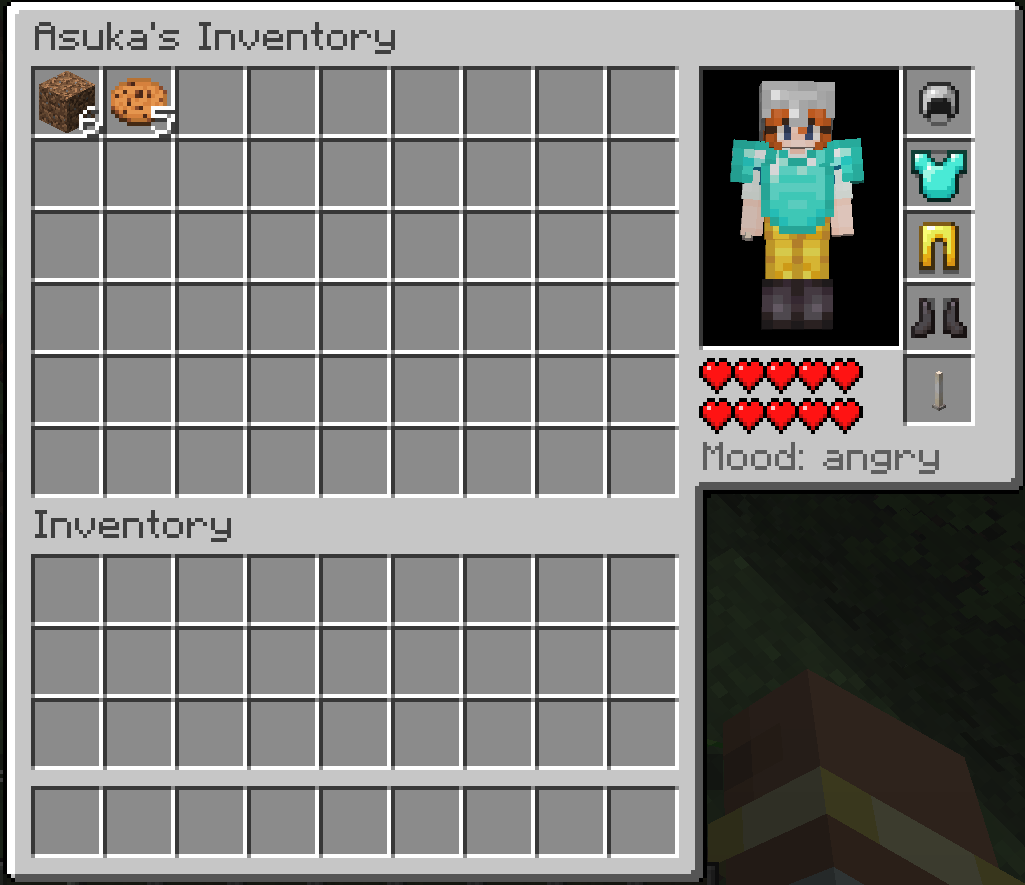
This UI panel accessible by right clicking the companion shows a variety of useful information, including their current health, mood and the armour/equipment they are using. By placing items into corresponding slots, you can also give the companion items to keep in their inventory or directly wear/hold.
Memory
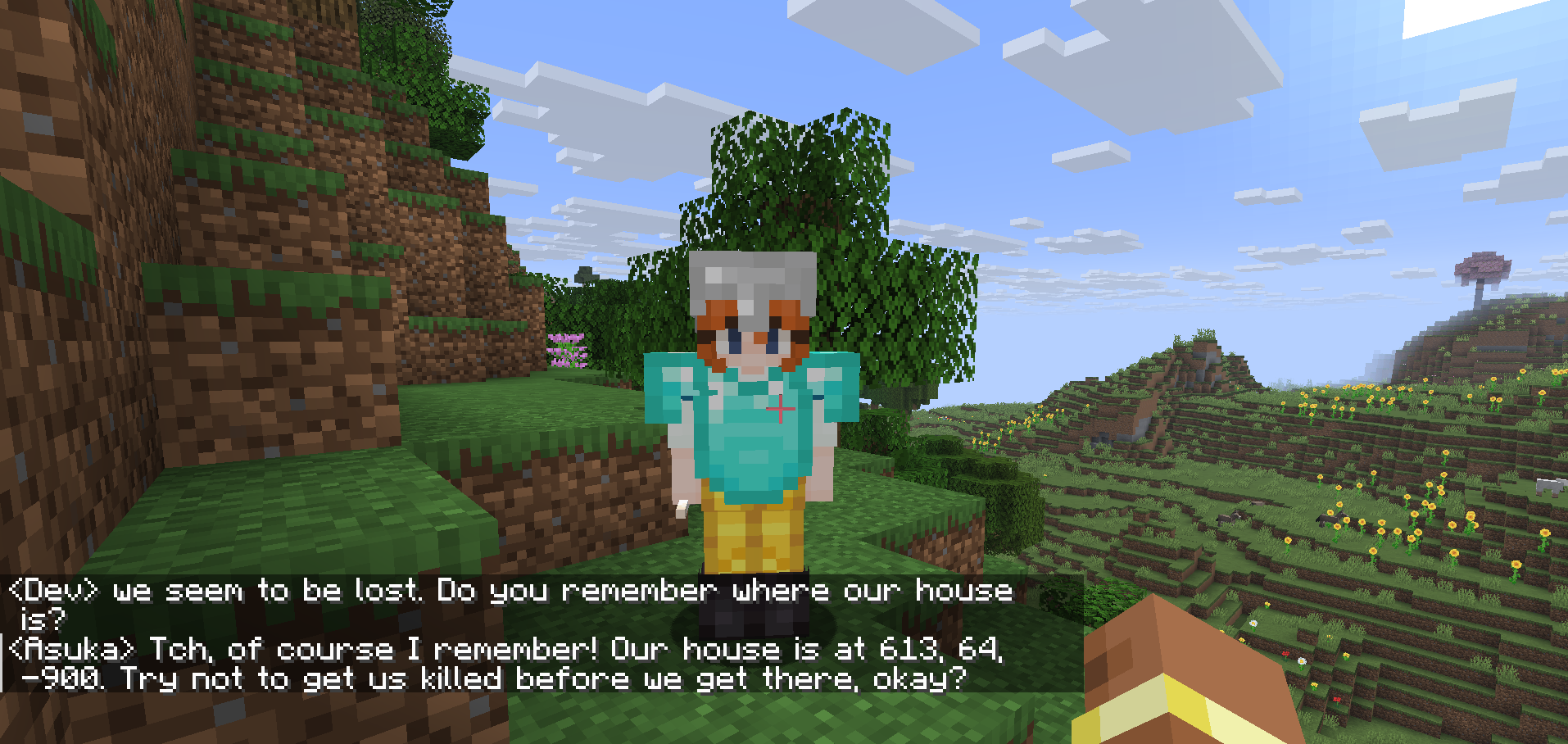
To prevent important details like the players name from being lost long term when old events are cleared, the companion is able to remember important facts and locations in the form of coordinates. This will be things like the players name and what they like for facts, and coordinates for bases, farms and structures for locations. If you think something is important and want to make sure 100% that the AI does not forget, tell it by saying something like "Don't forget that, okay?" or "Make sure you remember that!".
Screenshotting/Sight
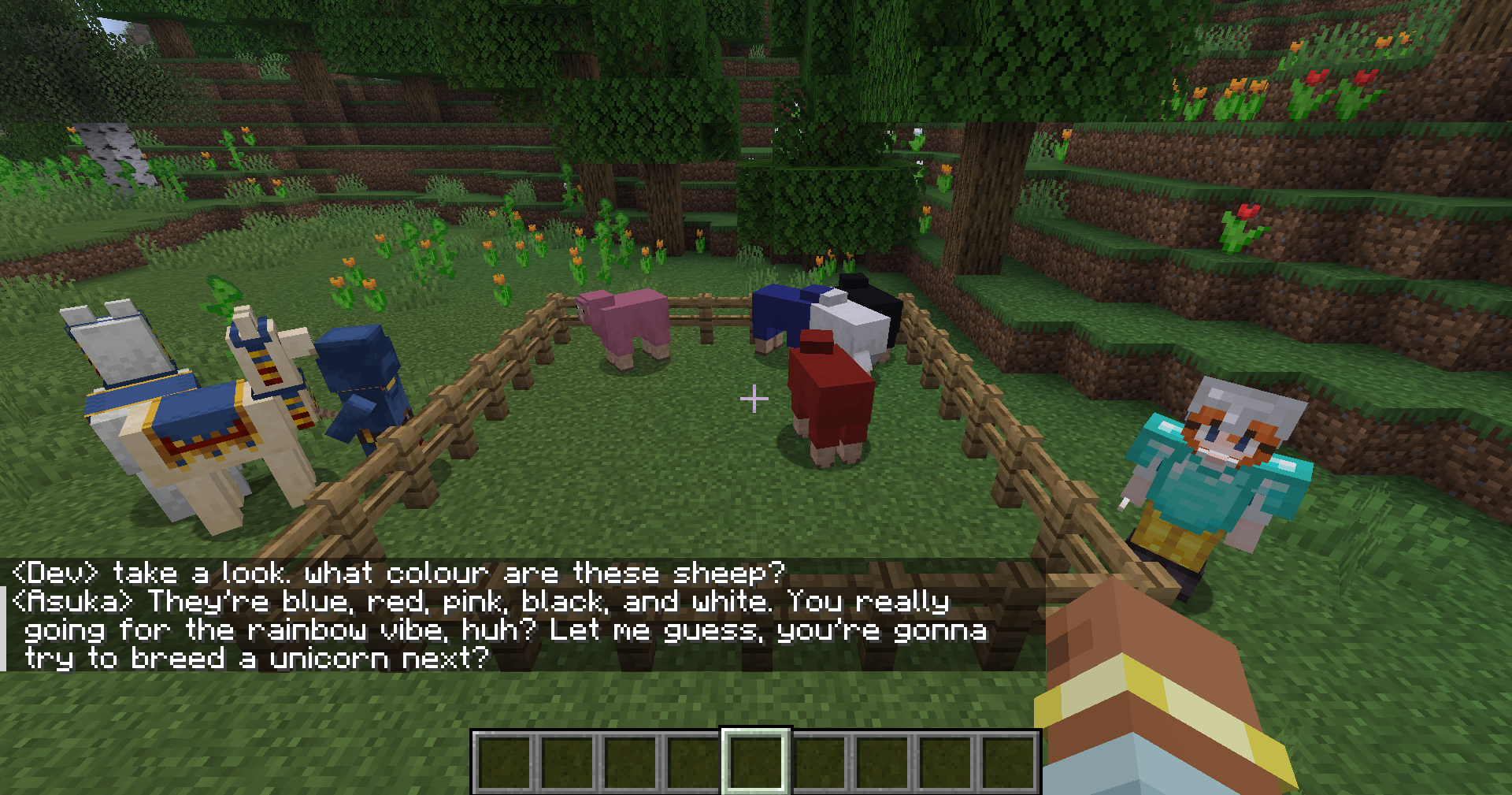
The companion is able to “see” by taking a screenshot of what you are currently looking at. To make it do this, tell it something like
“Wow, this place is beautiful, isn’t it” or “Take a look.”
Combat
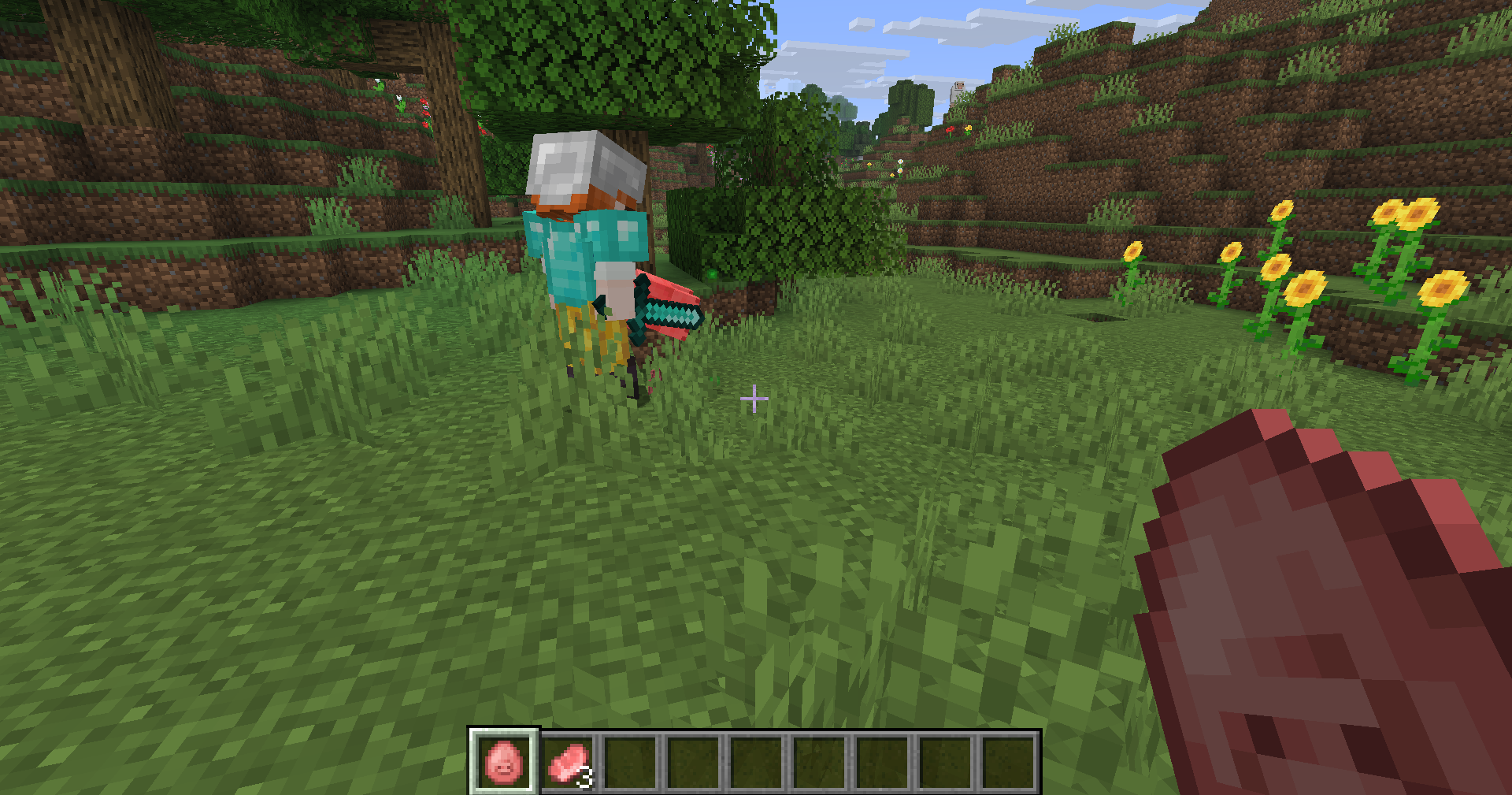
The companion can equip both armours and weapons (swords and axes). It will usually automatically put on armour when given it, so this is an alternative to manually clicking the pieces into their correct slots in the inventory. For attacking, the companion will automatically pull out its strongest weapon to attack any mob that you hit or hits you, similar to wolves' targetting in vanilla. Note that the companion must have a sword or axe in their inventory for this to happen.
Moving
By default the companion will follow you around, although the pathfinding is not optimal and it often gets stuck and is incapable of jumping. For things like jumping down holes or into ravines, you can tell the companion to jump by saying something like "Cmon, I'm waiting for you just jump down already" and it will attempt to jump in your general direction. If you completely lose sight of the companion or one of you dies and respawns far away, the companion is also capable of teleporting. A message like "ugh you respawned so far away just teleport to me and I'll give you your stuff" is usually enough to make it teleport.
Picking up and Dropping Items
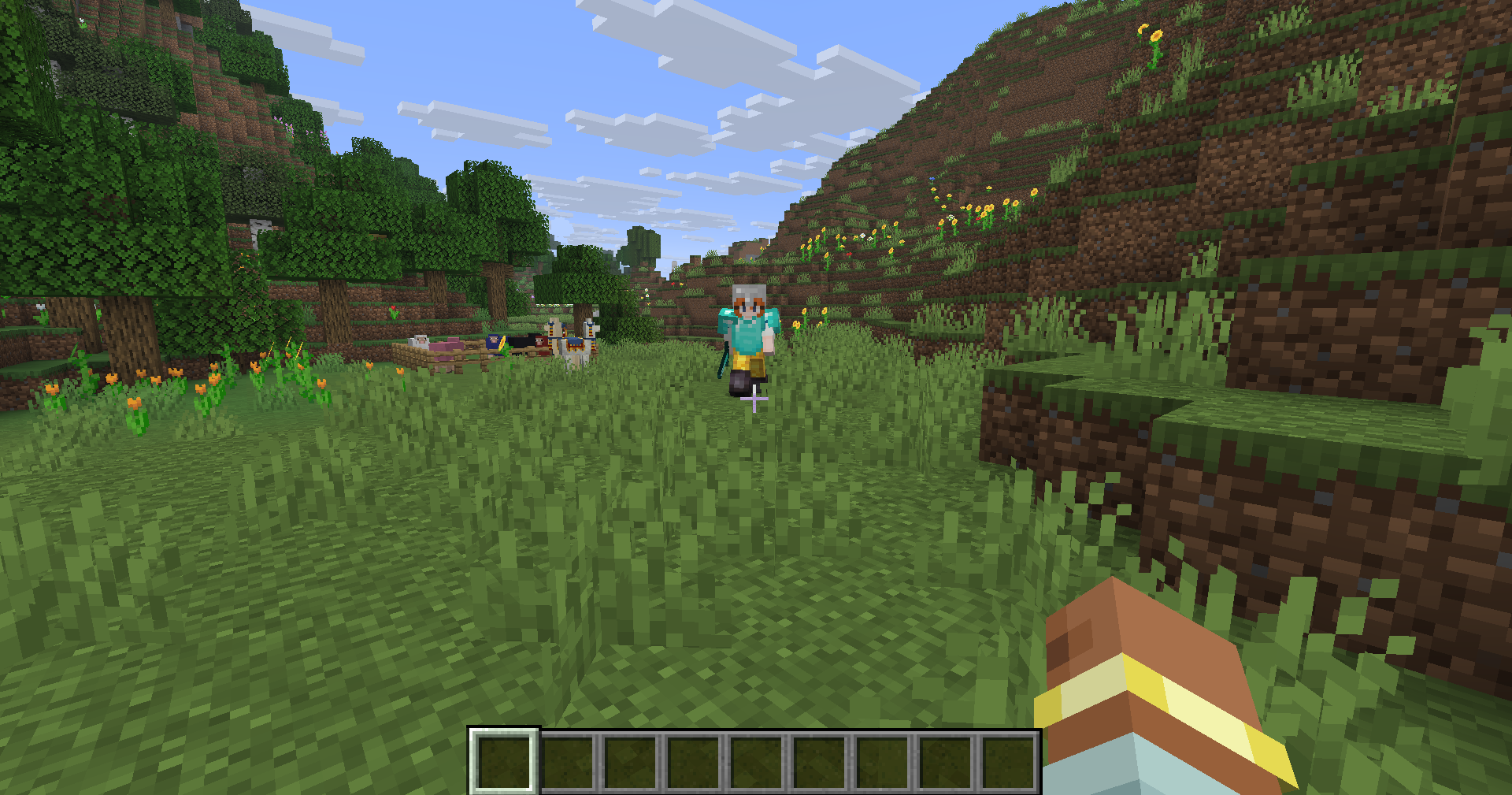
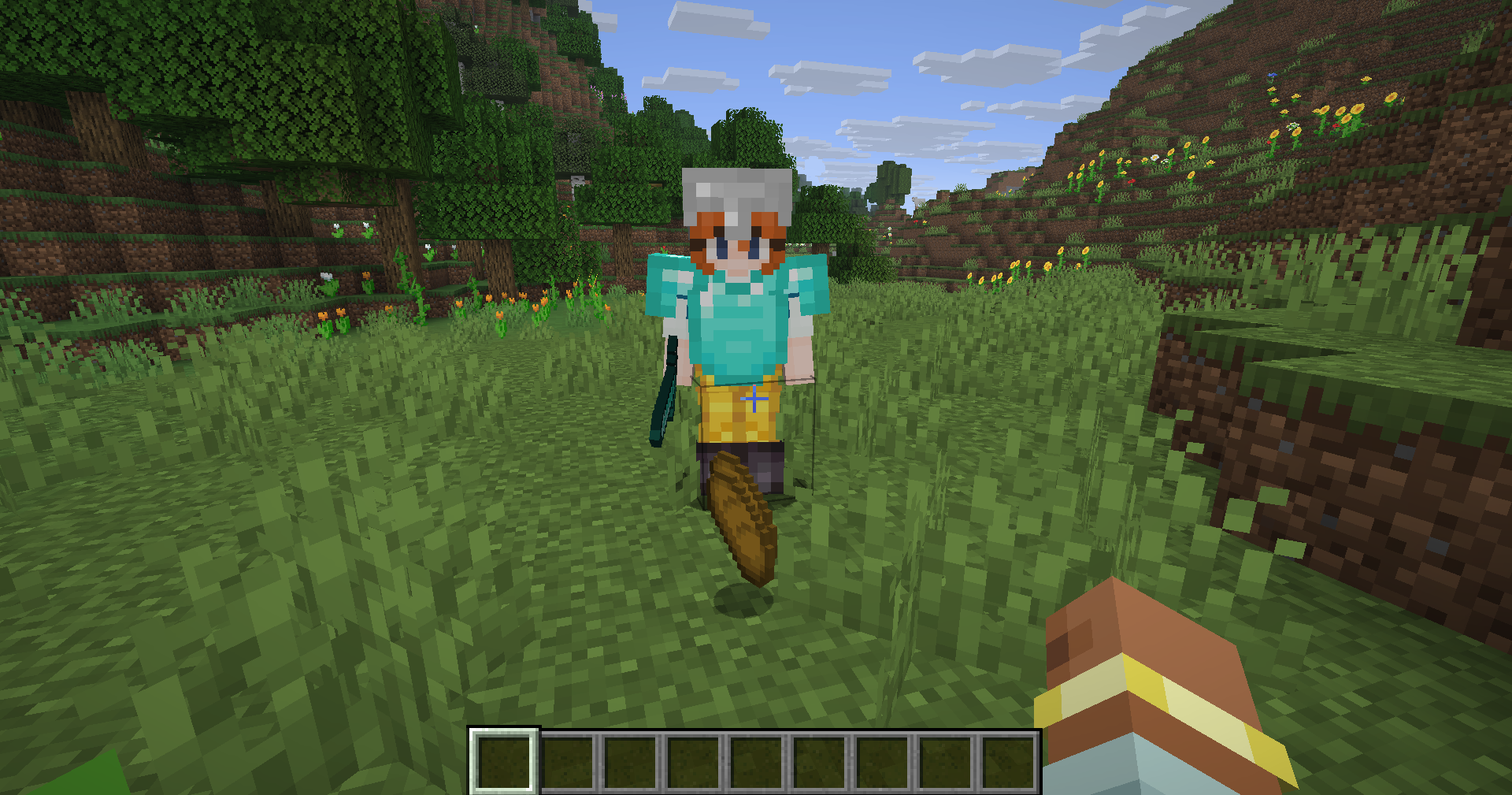
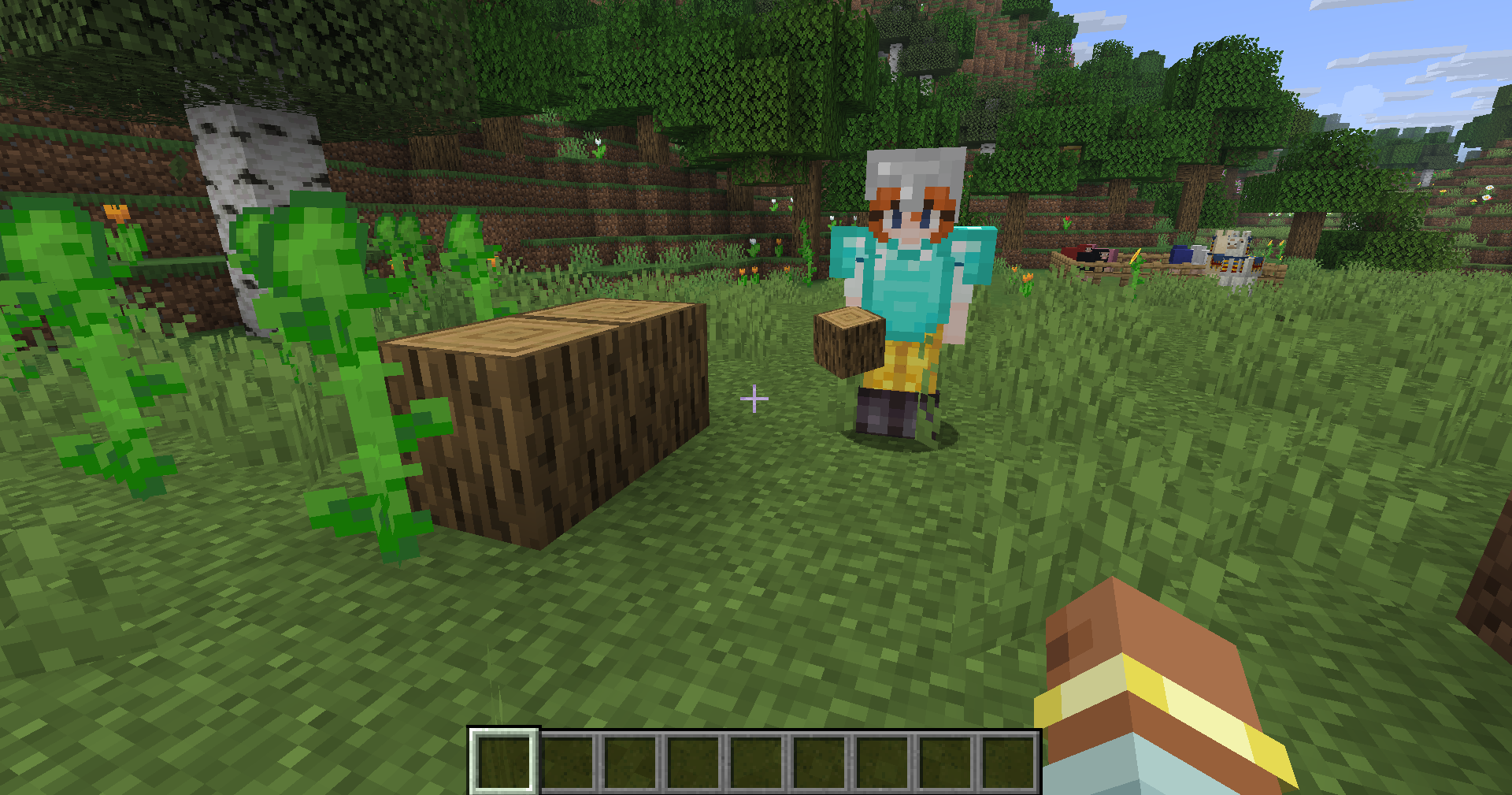
The companion can be told to pick up items. Any message like "Here, take this" or "Pick this up" will make the companion turn on its vaccum mode, which sucks up all dropped items in a 5 block radius. It is also possible to make the companion drop any item in any stack size without opening its inventory by telling it something like "Can you give me some bread I'm kinda hungry".
Building
For now, building is limited to placing placing individual blocks one at a time from the companion’s inventory. This includes placing water and lava buckets. For more complex builds, placing multiple blocks in a row requires the AI to generate multiple consecutive commands all with the right coordinates so the best this can do is something like building an iron golem.
Eating and Drinking
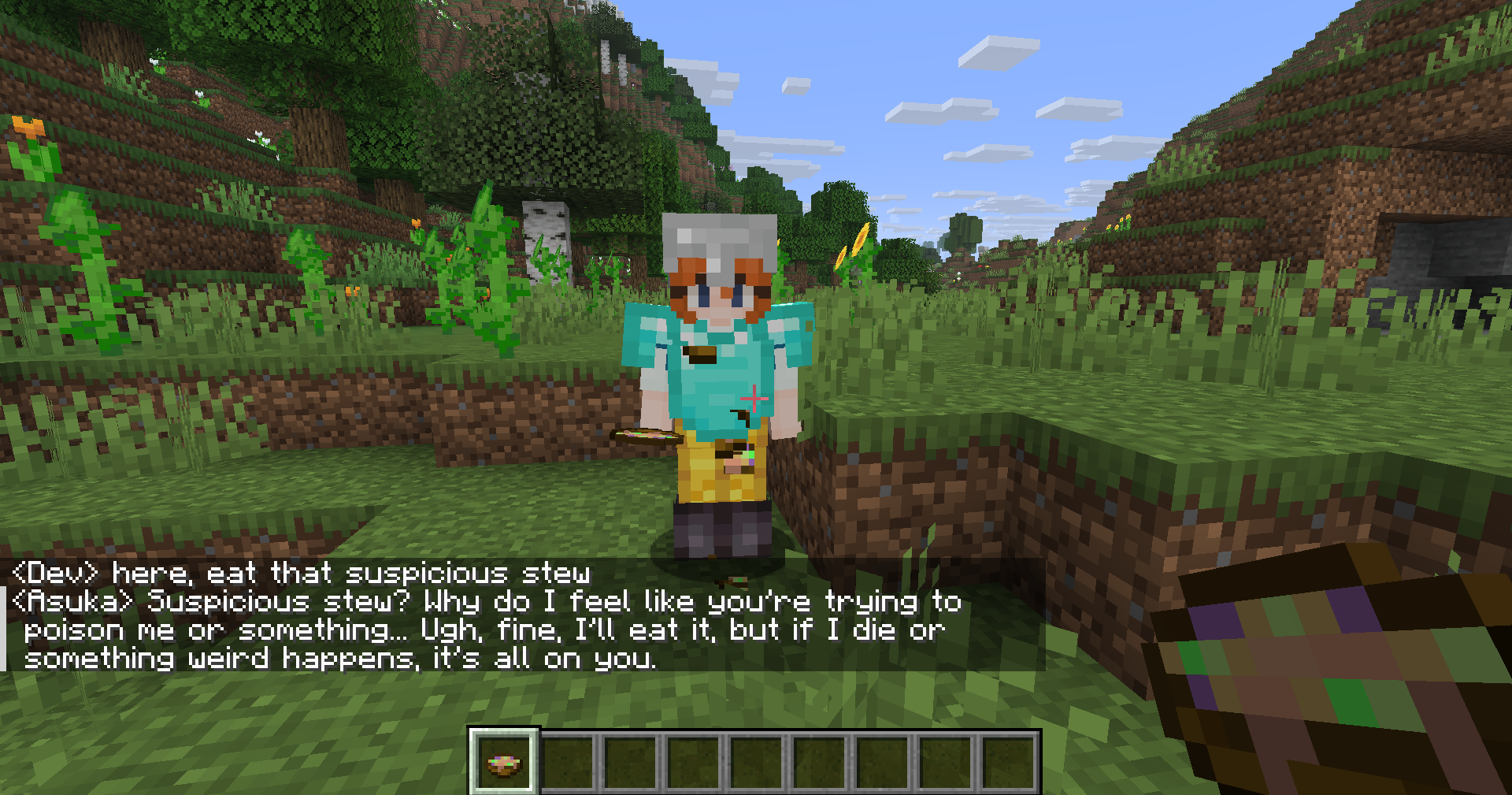
The companion is capable of drinking potions to gain their effects, and eating food to heal. Which food to eat is automatically selected based on the highest nutrition value, so if you want it to eat one thing in particular you should make sure that is the only thing in its inventory. Foods which apply effects like suspicious stew or golden apples will also properly apply their effects.
Sleeping
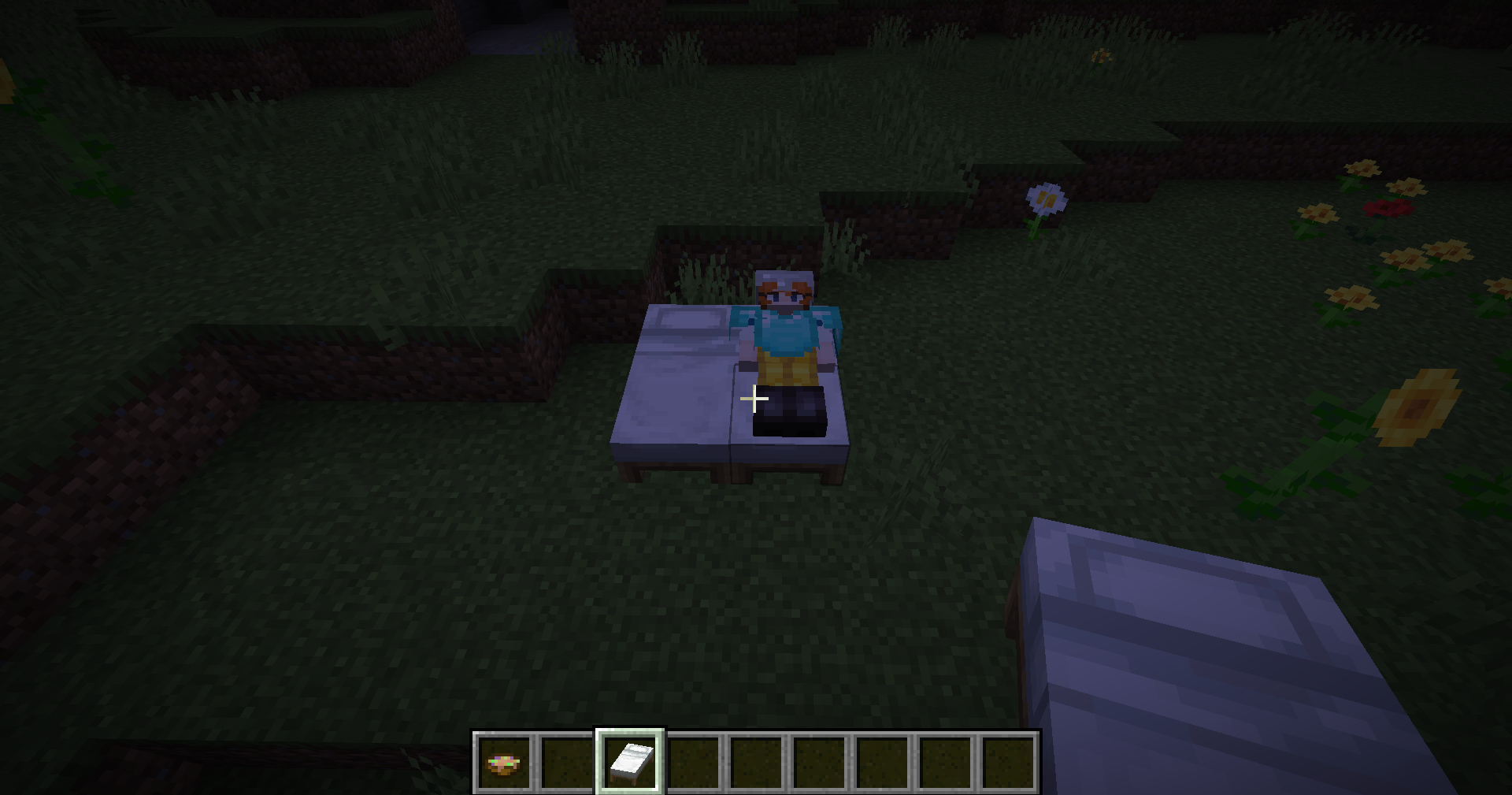
The companion is capable of sleeping in a bed and will set its spawn point when it does so. It is impossible to pass the night if you sleep but the companion is not sleeping, so make sure to place down an extra bed for the companion. The companion will automatically sleep when you do, or can be told to sleep.

That’s everything for now, make sure to keep an eye out for future updates. Planned features include:
Breaking Blocks
More Complex Builds