

In Game Errors
Errors/Debugging
Some common errors and how to fix them.
The companion can’t teleport to me/hit me
Sometimes the companion is unable to recognise who the player is and will struggle to perform tasks like hitting the player or teleporting to them. This usually happens after respawns. To fix, simply interact with the companion by right clicking them.
There’s two copies of the companion/there’s no copies of the companion
First, you should verify that the companion isn’t just too far away. You can do this by running the following command in Minecraft to teleport all companions to you.
/tp @e[type=aicompanionmod:companion] @p
If you have confirmed that there are none or several copies of the companion present, you can fix this by running the command
/deleteCompanions
to remove all instances of the companion or the command
/summon aicompanionmod:companion
to spawn a new instance of the companion. Note this does not reset the companion’s memory.
Server App Errors
Most of the server app servers are quite self explanatory but here is a brief rundown of them regardless.
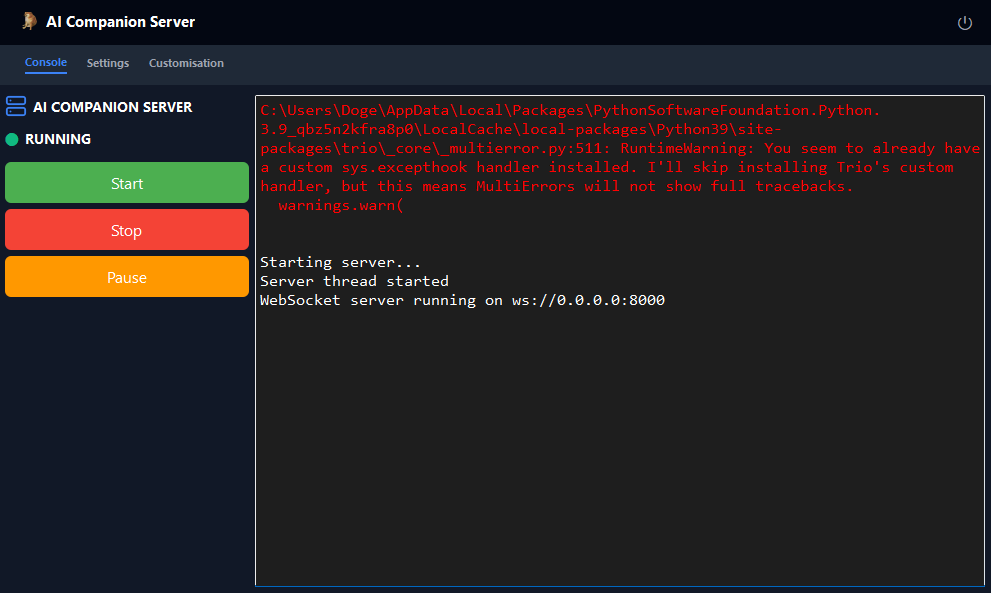
Error Handler Warning
This is just a warning and can be safely ignored.
OpenAI Errors
These include OpenAI errors 401, 403 and 429. Most of the time this is caused by a wrong API key or having no credit in your account so double check that and then set a new key.
OpenAI Errors
Pretty much the same as the OpenAI errors; It usually just means your API key is wrong or you’re out of money. Check your account and then clear and set a new key.


Don’t See Your Error?
Email Bug Reports Here
dogecheems329@gmail.com